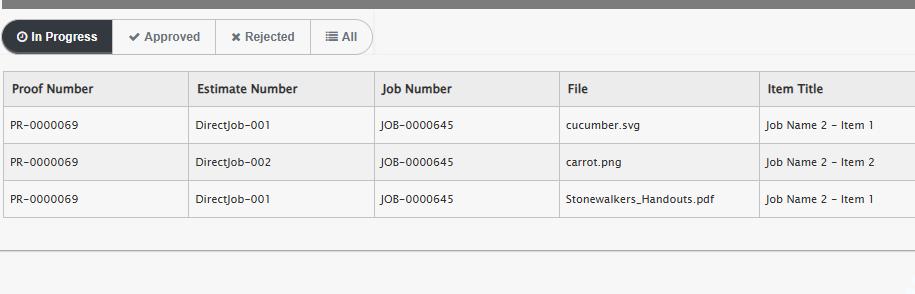
By Default, Hexicom Support will have added a Proof Link onto your Proof Email Template, but there are other methods for sending a Proof
Copy Link
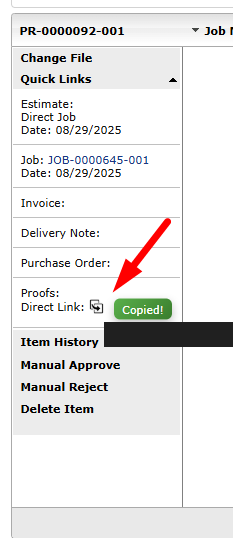
Every module includes a button that copies the direct proof link straight to your clipboard.
You can copy the direct proofing link to your clipboard from within any module.
Proof List
You can send your customer their entire proof list, all proofs that are assigned for that customer.
Navigate to Customer Details > Click on Copy Button
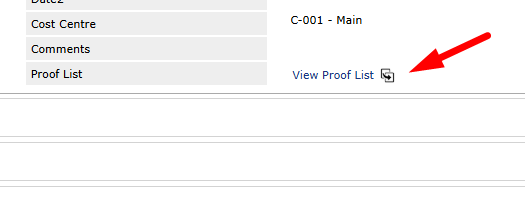
This will display all Proofs for this customer