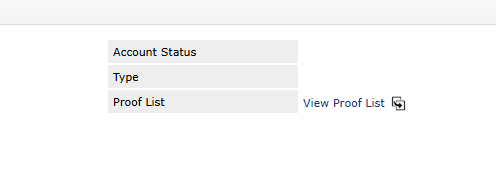
Within proofing, you can send a customer all outstanding, all Approved and All Rejected Proofs, called the Proof Overview.

Get Link From Proof
- Navigate to Customer Details within a Proof
- Click On Proof List to View entire list
- Click on Copy button to copy link to Proof Overview
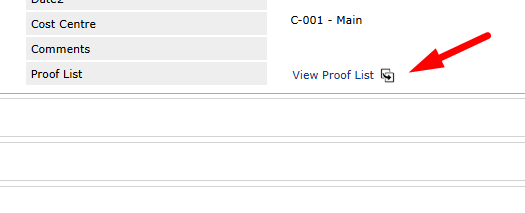
Get Link From CRM
Navigate to CRM > Customer
Proof List can be Found in the Summary Information Tab
- Click On Proof List to View entire list
- Click on Copy button to copy link to Proof Overview