Self-Registration Through the Online Store
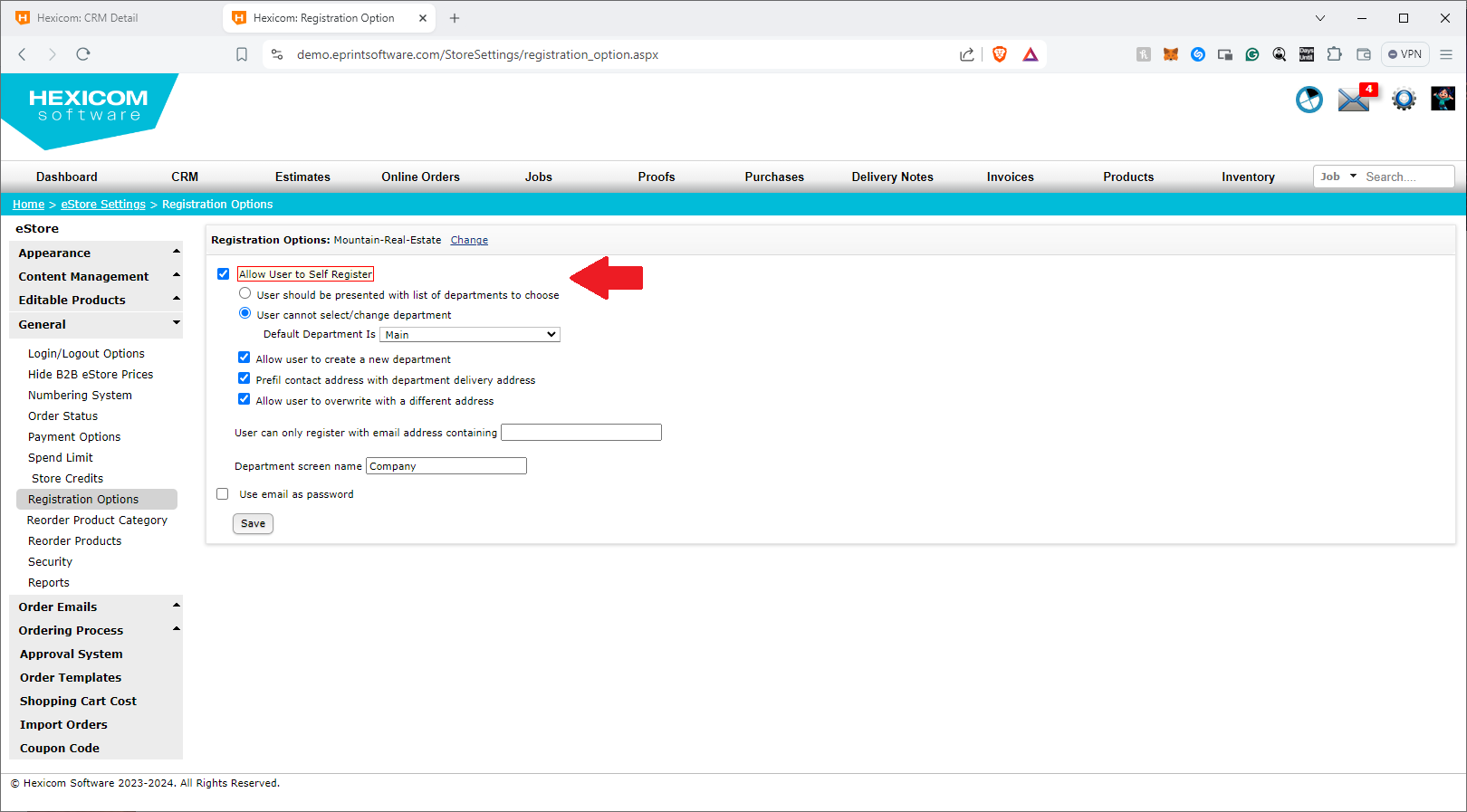
If the option for self-registration is enabled (Settings Wheel → ePrint eStore → General → Registration Options), users can register themselves directly through the online store.
Here’s how:
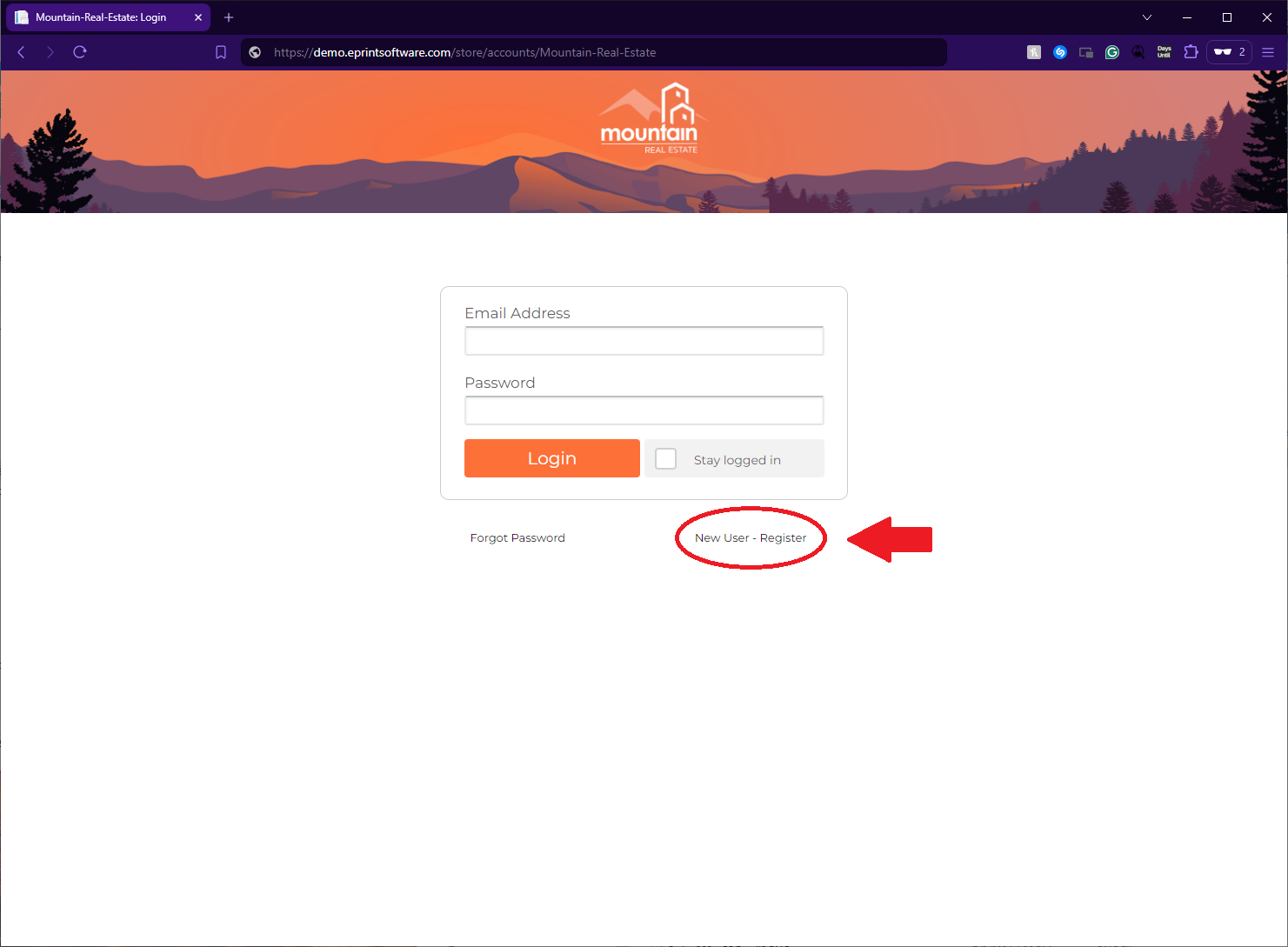
- Navigate to the Online Store: The new store user will need to open their web browser and go to the URL of the B2B eStore.
- Click the “New User - Register” Link: On the store’s homepage, look for and click the “New User - Register” link.
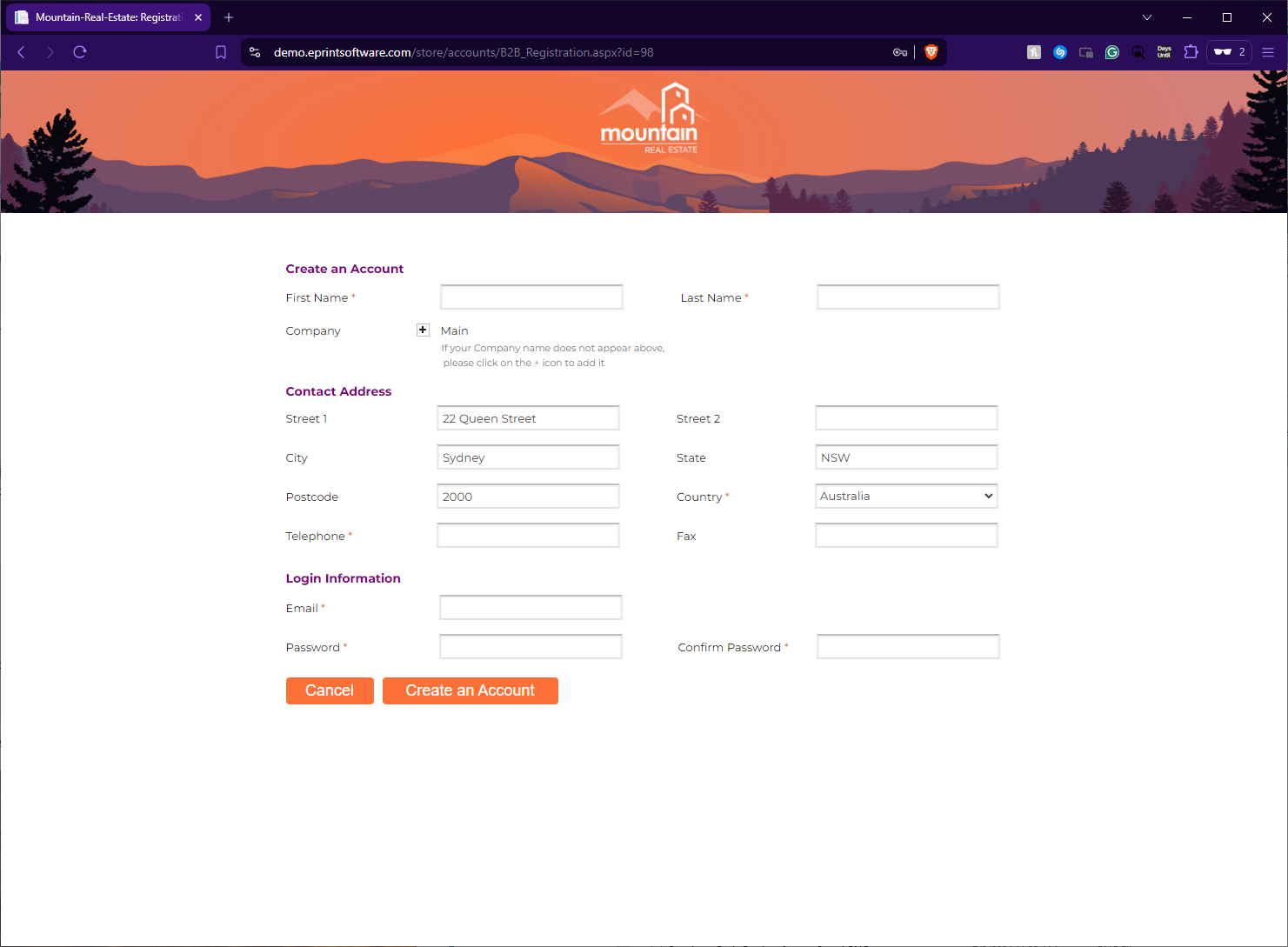
- Enter Your Details: On the registration page, fill in the required fields:
- Name
- Address
- Phone number
- Email address
- Password
- Submit Your Registration: Once all details are filled in, submit the form to create an account.